Creating Club Logo that Meets Brand Guidelines
Posted by David Gardner
IS YOUR CLUB LOGO RI COMPLIANT?
Rotary International has created an online tool to help clubs create new club logos that are guaranteed to match the new brand guidelines. This is a very quick and easy way to update your logo for use on your website, in your email signatures, in your social media posts and in all printed materials including apparel.
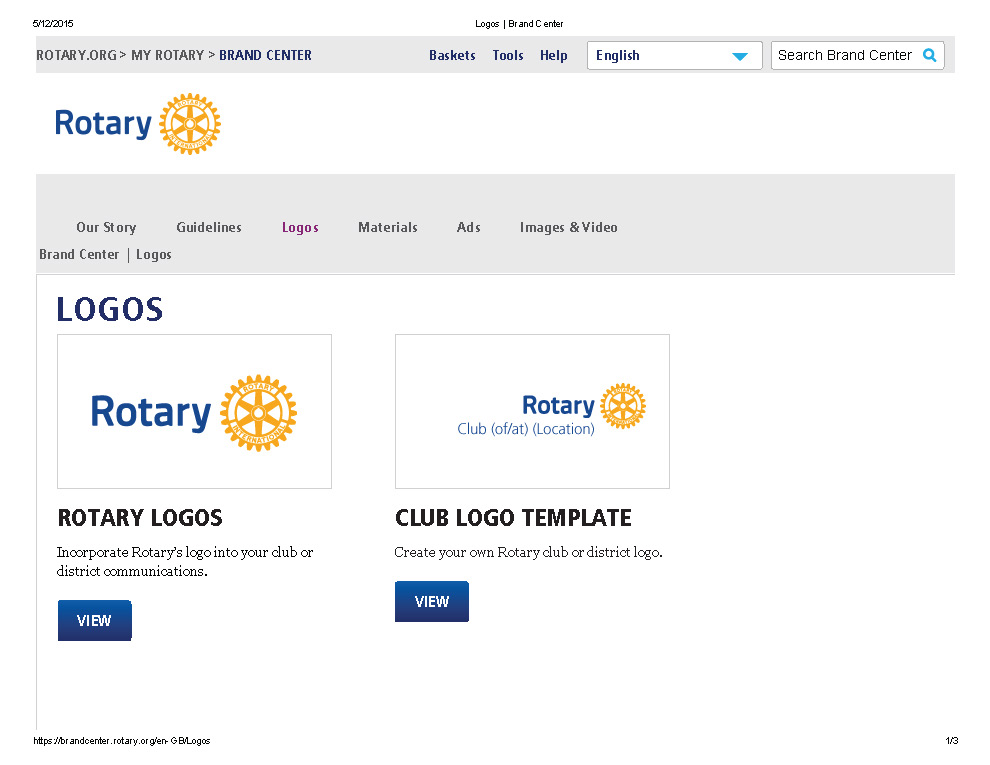 Go to rotary.org and click on MyRotary in the top banner. Then click on Manage in the white ribbon, then select Logos in the blue box under Brand Center. You will need to either create a user login or if you have already done so, login to the portal. Once you have reached this point you will be able to access all of the Rotary logos including The Rotary Foundation, Youth Programs and also the tool to create your clubs logo. Please click on the button Club Logo Template which will bring you to the tool. You have several choices on formatting but the primary one will be presented initially. If the name of your club would be awkward, you can choose one of the other options. You can save it as a pdf or as a jpg or both.